

Last updated: 26 November 2026
Quick answer: A VPN (virtual private network) creates an encrypted tunnel between your device and a VPN server, so your internet provider and people on the same Wi-Fi can't see what you do, and websites see the VPN's IP address instead of yours. It is useful on public Wi-Fi, when travelling and for extra privacy. It does not stop phishing, malware or tracking by accounts you are logged in to.
How does a VPN work?
- You turn on the VPN app.
- Your device connects to a VPN server through an encrypted connection.
- Your traffic goes through that server to the website.
- The website sees the server's IP address and location, not yours.
What does a VPN protect you from, and what not?
| A VPN helps with | A VPN does NOT protect you from |
|---|---|
| Snooping on public Wi-Fi | Phishing emails and fake websites |
| Your internet provider seeing which sites you visit | Malware and viruses |
| Hiding your IP address and approximate location | Tracking by Google, Facebook and other accounts you log in to |
| Some network restrictions while travelling | Weak or reused passwords |
Do you need a VPN?
- Yes, it's useful if you often use public Wi-Fi in cafés, airports and hotels, travel abroad, or want more privacy from your internet provider.
- It's required if your employer uses one to access work systems.
- It matters less at home for everyday browsing, because most websites already use HTTPS encryption.
Free vs paid VPN: which is better?
| Free VPNs | Paid VPNs | |
|---|---|---|
| Cost | Free | Monthly or yearly subscription |
| Privacy | Some sell data or show ads | Reputable ones have audited no-logs policies |
| Speed and limits | Often slow, with data caps | Faster, more servers |
If you choose a free VPN, prefer one from a well-known security company with a clear privacy policy.
How do you choose a trustworthy VPN?
- An independently audited no-logs policy.
- Modern protocols such as WireGuard or OpenVPN.
- A kill switch that blocks traffic if the VPN drops.
- Apps for all your devices.
- A clear company location and transparent ownership.
Is using a VPN legal?
VPNs are legal in most countries, but some countries restrict or ban them. Using a VPN does not make illegal activity legal, and streaming services may limit access when they detect one. Check local laws before travelling.
Stay safer online: how to spot phishing scams and how to turn on 2FA.
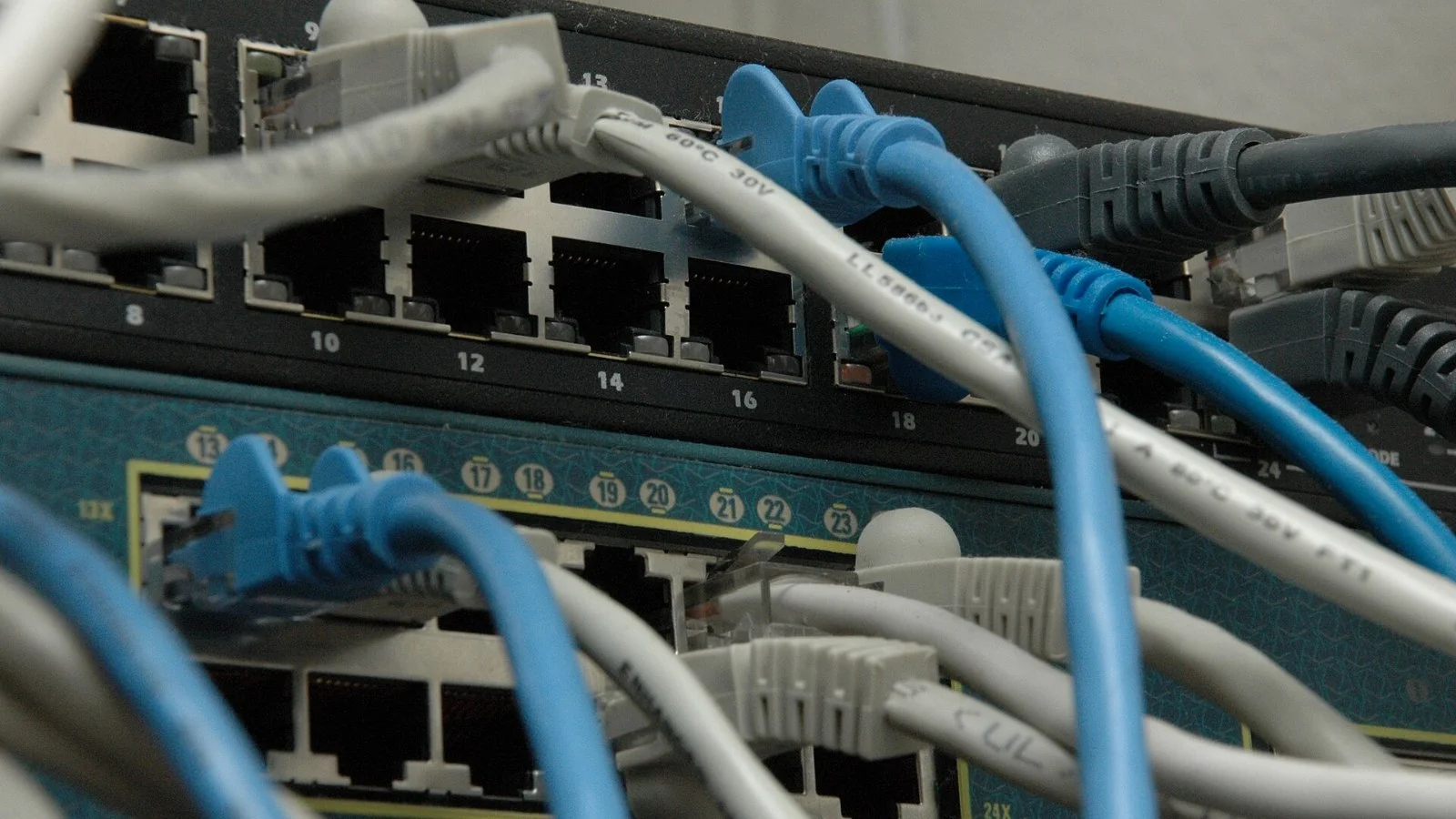
Featured image: "Network switches" by ShakataGaNai, CC BY-SA 3.0 (cropped), via Wikimedia Commons. Sources: US Federal Trade Commission consumer advice on VPNs; Electronic Frontier Foundation (EFF) Surveillance Self-Defense guides.


















Comments 0
Leave a Comment
💬
No comments yet. Be the first to share your thoughts!