

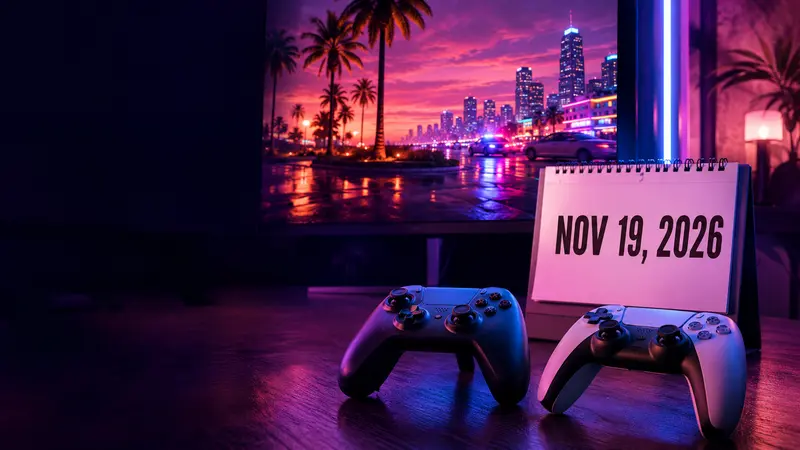
If you want to play GTA 6 at midnight, the number to check first is the free space on your console. Rockstar’s installation guide calls for up to 212 GB, depending on the device. Digital preorders can already download the game on PS5 and Xbox Series X|S. Both versions unlock at midnight local time on Thursday, November 19, 2026.
Three dates explain the launch
November 10 was the digital preload date. PS5 downloads opened at midnight in each local time zone. On Xbox Series X|S, downloads opened worldwide at 00:00 GMT. November 12 is the date retailers could begin supplying boxed copies. That box contains a download code. November 19 is when you can play. If your console is showing a countdown after the installation finishes, it’s doing exactly what it should. See Rockstar’s platform-by-platform schedule.
If you still have to choose an edition, Aafnopan’s GTA 6 release and preorder guide compares what you get with each purchase. The November support schedule above reflects Rockstar’s latest timings.
Start the download on PS5
- Sign in with the account that bought the game or redeemed the code. Open Settings ? Storage and check the available space. If you need room, moving another installed game is one way to free it.
- Open Game Library, select Grand Theft Auto VI and choose Download. Open Downloads/Uploads in the control center to check that the transfer has started.
- Leaving the console overnight? Go to Settings ? System ? Power Saving ? Features Available in Rest Mode and enable Stay Connected to the Internet before entering rest mode.
If the download appears in the queue but stops moving, PlayStation suggests pausing and resuming it first. If it never appears, check the order history on the account you used. That simple check can save you from restarting a large download. PlayStation’s GTA VI support page has the full troubleshooting steps.
Start the download on Xbox Series X or Series S
Sign in with the Microsoft account used for the purchase. From My games & apps, open Full library, find GTA VI among your owned games and select the install option. Open the download queue to watch its progress. Seeing cover art in the library tells you where the game is. Seeing the transfer in the queue tells you it’s actually downloading.
What to do with a boxed copy
Open the box, redeem the enclosed code on the intended platform account and download the game from your library. Budget time for the full installation even if you pick the box up in person. For an imported PlayStation copy, check account-region compatibility before redeeming the code. Rockstar lists how boxed codes work by region.
The launch instructions apply to the two console families above. If you’re waiting to play on a computer, Aafnopan’s GTA 6 PC release guide covers what Rockstar has announced about that version.
Rockstar Games · Installation requirements · Rockstar Games · Regional release times · PlayStation · GTA VI support · Rockstar Games · Editions and boxed codes · Dovetail Games Support · Installing games on Xbox




Comments 0
Leave a Comment
💬
No comments yet. Be the first to share your thoughts!