

Last updated: 26 November 2026
Quick answer: To make your phone battery last longer, lower screen brightness (or use auto-brightness), use dark mode on OLED screens, turn on battery saver / Low Power Mode, limit background activity and location for apps that don't need it, and keep your phone out of heat. For long-term battery health, avoid always charging to 100% and use the built-in charging limits or optimised charging.
Quick wins for longer battery life today
| # | Tip | iPhone | Android |
|---|---|---|---|
| 1 | Turn on battery saver | Settings → Battery → Low Power Mode | Settings → Battery → Battery Saver |
| 2 | Lower brightness / auto-brightness | Control Centre | Quick Settings |
| 3 | Use dark mode | Settings → Display & Brightness | Settings → Display |
| 4 | Shorten screen timeout | Display → Auto-Lock | Display → Screen timeout |
| 5 | Find battery-hungry apps | Settings → Battery | Settings → Battery → Usage |
More tips that make a big difference
- Limit background app refresh for apps that don't need live updates.
- Set location access to "While using" instead of "Always".
- Turn off unnecessary notifications: each one wakes your screen.
- Lower the refresh rate (for example 60 Hz instead of 120 Hz) if your phone allows.
- Use Wi-Fi instead of mobile data where possible; weak mobile signal drains power.
- Turn on airplane mode in places with no signal.
- Remove live wallpapers and widgets you don't use.
- Keep your software updated: updates often include battery fixes.
How do you keep your battery healthy for years?
- Avoid heat: don't leave your phone in a hot car or in direct sun, and remove thick cases while fast charging if it gets hot. Heat is the biggest enemy of lithium-ion batteries.
- Avoid sitting at 100% for long periods: use iPhone's Optimised Charging or charge limit, or Android's "Adaptive charging" or battery protection (often an 80% limit).
Is it bad to charge your phone overnight?
Modern phones stop charging when full, so overnight charging is generally safe. To reduce wear, turn on optimised or adaptive charging so the phone holds at around 80% and finishes just before you wake up. Use a good-quality, certified charger and cable.
When should you replace your battery?
Batteries wear out over time. Consider a replacement when health drops to around 80% of original capacity (shown in iPhone Settings → Battery → Battery Health, and in many Android phones' battery or device care settings), or if your phone shuts down unexpectedly or the battery swells. Swollen batteries are a safety risk: stop using the phone and get it checked.
Battery myths
- "Closing all apps saves battery": usually false; reopening apps can use more power.
- "Let it drain to 0% first": false for modern batteries; shallow charges are better.
- "Fast charging ruins batteries": modern fast charging is managed safely; heat is the real issue.
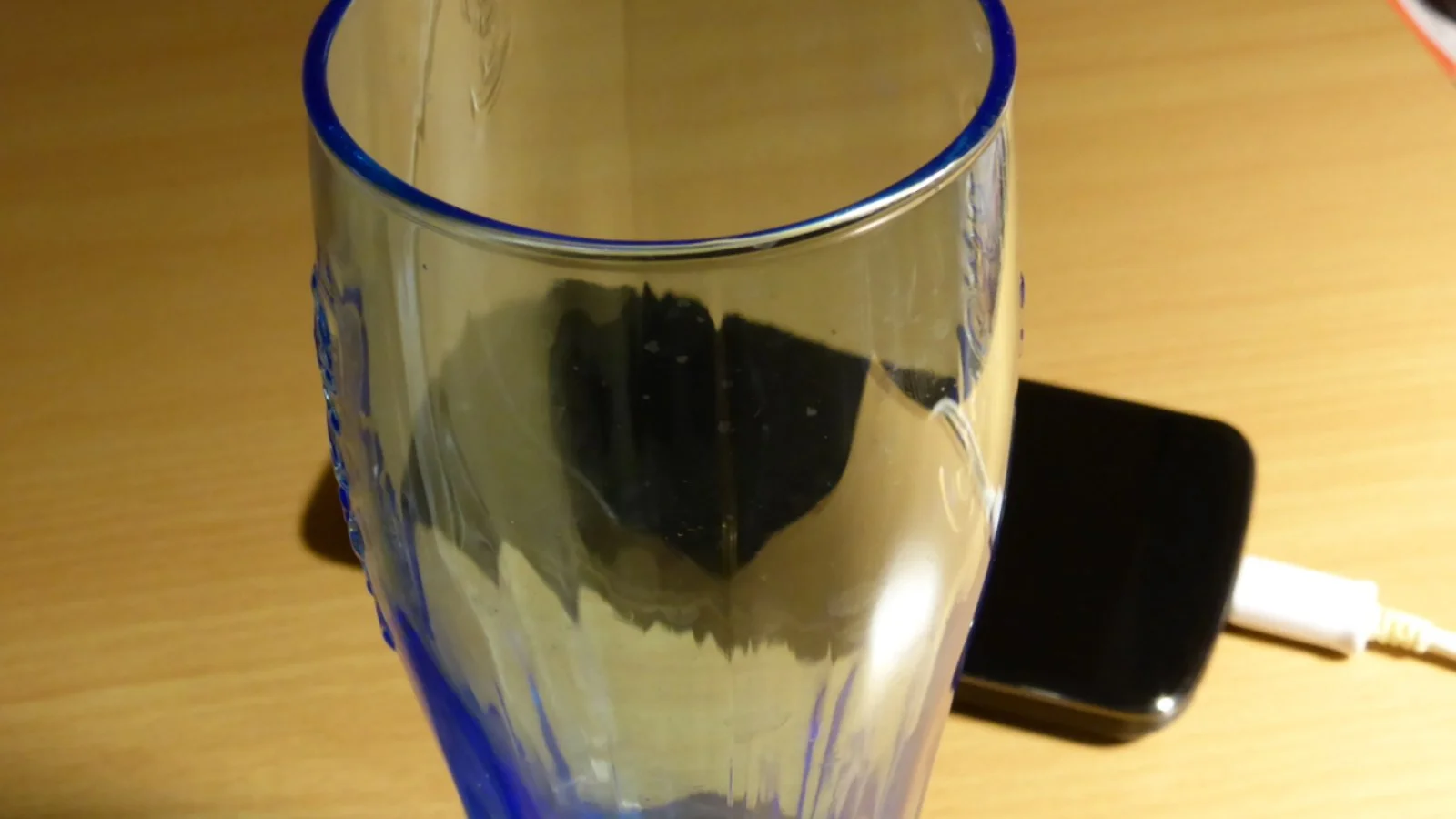
Featured image: "Glass-smartphone-table-2" by MartinThoma, CC0 (cropped), via Wikimedia Commons. Sources: Apple battery support guidance; Google Android help documentation; battery manufacturer guidance on lithium-ion care.



















Comments 0
Leave a Comment
💬
No comments yet. Be the first to share your thoughts!