

Last updated: 26 November 2026
Quick answer: Phishing messages try to rush you into clicking a link, paying, or sharing passwords or codes. Warning signs include urgency or threats, mismatched sender addresses or web addresses, requests for codes, passwords or payment, and offers that are too good to be true. Never use links in unexpected messages: open the app or type the official website yourself.
What are the 12 warning signs of phishing?
- Urgency or fear: "Your account will be closed in 24 hours."
- Unexpected prizes or refunds: "You've won", "Claim your tax refund".
- Odd sender address: the name says your bank, but the email comes from a random domain.
- Look-alike web addresses: extra words, hyphens or swapped letters (paypa1, amaz0n-support).
- Requests for codes: real companies never ask for your one-time 2FA code.
- Requests for passwords or card details by message.
- Unusual payment methods: gift cards, crypto or wire transfers.
- Generic greetings such as "Dear customer".
- Spelling and design errors, although AI-written scams can look polished.
- Unexpected attachments, especially .zip, .exe or macro-enabled documents.
- Delivery scams: "Your parcel is on hold, pay a small fee".
- Messages from "friends" asking for money from a new number.
How can you check if a link or website is real?
| Check | What to look for |
|---|---|
| Hover or long-press the link | Does the real address match the company's official domain? |
| Read the domain from the right | In "bank.com.secure-login.xyz", the real site is secure-login.xyz, not your bank. |
| Type it yourself | Go to the official website or app directly instead of clicking. |
| Padlock is not enough | HTTPS only means the connection is encrypted; scam sites can have a padlock too. |
| Use your password manager | If it does not offer to autofill, you may be on a fake site. |
What should you do if you clicked a phishing link?
- Don't enter anything else. Close the page.
- If you entered a password, change it immediately on the real site, and on any site where you reused it.
- If you shared card or bank details, call your bank using the number on your card.
- Turn on two-factor authentication and check for unknown logins or forwarding rules.
- If you downloaded a file, run a security scan.
- Report it: forward scam emails to your provider's report option, and report fraud to your national cybercrime or consumer authority.
How are AI tools changing scams?
Scammers now use AI to write convincing messages in perfect language and even to clone voices. Treat any urgent request for money or codes with suspicion, even if it sounds like someone you know. Agree on a family "safe word" and call back on a known number before acting.
Protect yourself further: turn on 2FA and use strong, unique passwords.
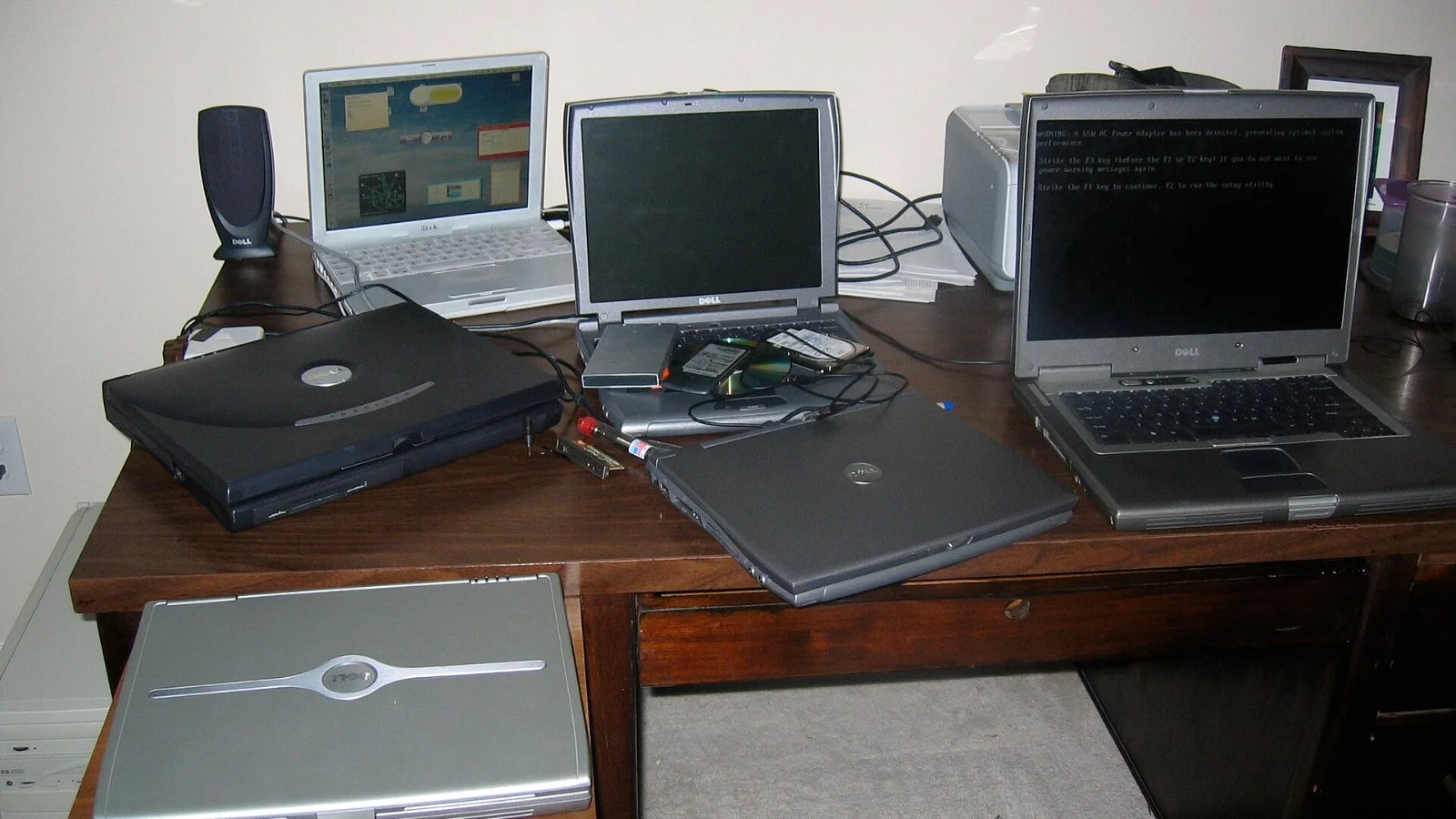
Featured image: "Multiple laptops" by .imelda at flickr [1], CC BY-SA 2.5 (cropped), via Wikimedia Commons. Sources: US Federal Trade Commission (FTC) consumer advice; UK National Cyber Security Centre; CISA.













Comments 0
Leave a Comment
💬
No comments yet. Be the first to share your thoughts!