

Last updated: 26 November 2026
Quick answer: To make a QR code for free, open a free QR code generator, choose the type (website link, text, Wi-Fi, email or phone), paste your link or details, then download the QR code as PNG or SVG. Always test it with your phone before printing, and print it at least 2 × 2 cm (bigger for posters).
How do you create a QR code step by step?
- Open our free QR Code Generator.
- Choose what the code should open: a website, text, Wi-Fi, email or phone number.
- Paste the link or type the details.
- Customise colours if you like, keeping strong contrast (dark code on a light background).
- Download as PNG for screens or SVG for high-quality printing.
- Scan it with two different phones to test.
What can you use QR codes for?
| Use | What the QR code contains |
|---|---|
| Website or social profile | A URL (web link) |
| Restaurant menu | Link to a menu page or PDF |
| Wi-Fi access | Network name, password and security type, so guests join with one scan |
| Business card | Link to your website or a contact card (vCard) |
| Events and posters | Ticket or registration page |
| Payments | Payment link from your bank or wallet app |
What size should a printed QR code be?
| Where | Minimum size |
|---|---|
| Business card | 2 × 2 cm |
| Flyer or menu | 3 × 3 cm or larger |
| Poster viewed from 2–3 m | about 10 × 10 cm or larger |
A simple rule: the code should be about one tenth of the scanning distance. Leave a white "quiet zone" margin around it.
Static vs dynamic QR codes
Static QR codes store the information directly and never expire, but you can't change them after printing. Dynamic QR codes point to a short link you can update later and often show scan statistics, but they depend on the service staying active. For permanent printed items, a static code pointing to your own website is the safest choice. You can also shorten long links first with our URL shortener.
Are QR codes safe?
QR codes themselves are safe, but scammers sometimes stick fake QR codes on parking meters or posters ("quishing"). Before opening, check the web address your phone shows, and never enter payment or login details on a site you reached through an unexpected QR code.
Related: how to spot phishing scams.
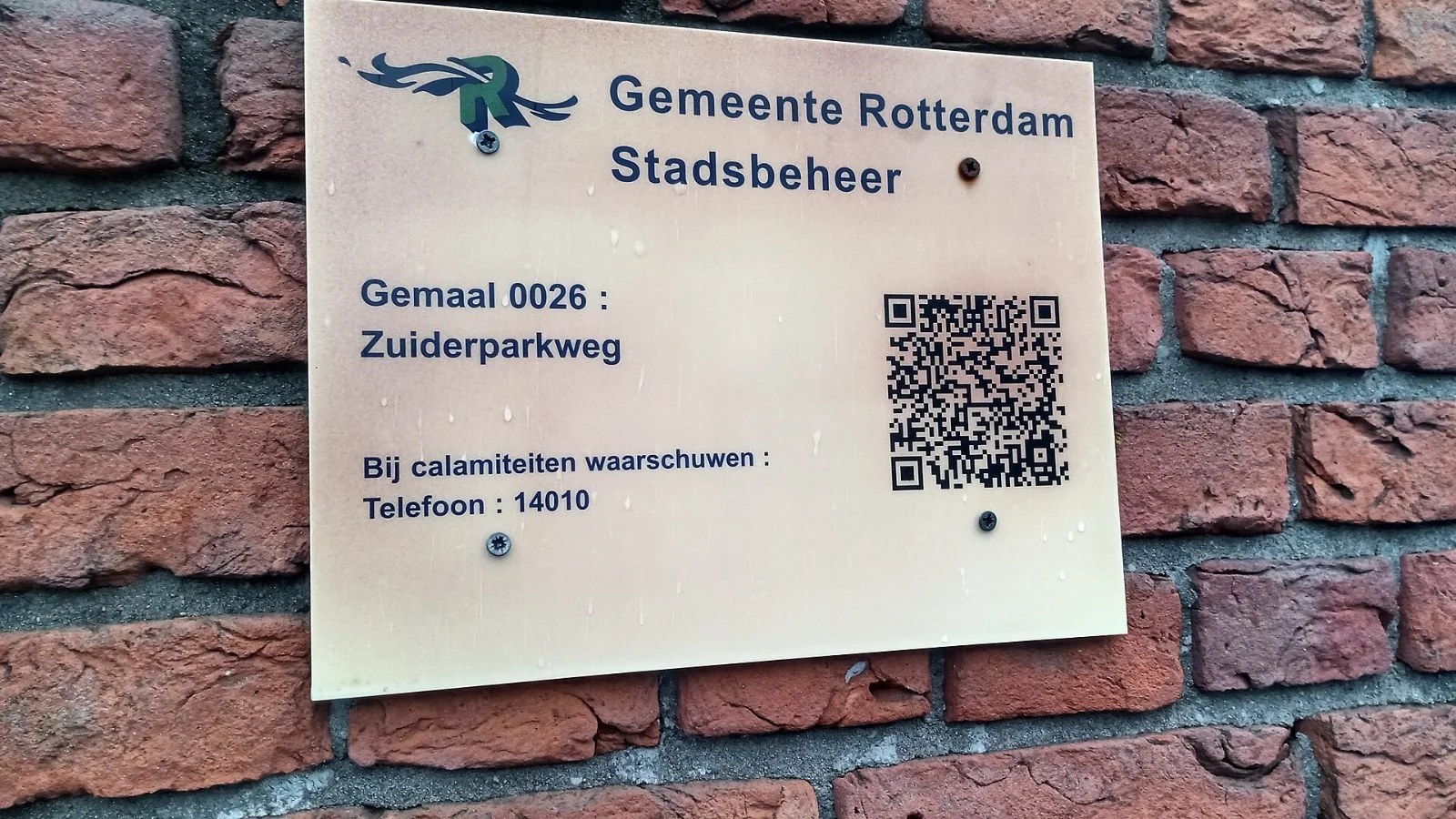
Featured image: "QR code Gemeente Rotterdam Stadsbeheer Gemaal 0026 sign, Charlois, Rotterdam (2021) 01" by Donald Trung Quoc Don (Chữ Hán: 徵國單) - Wikimedia Commons - © CC BY-SA 4.0 International.(Want to use this image?)Original publication 📤: --Donald Trung 『徵國單』 (No Fake News 💬) (WikiProject Numismatics 💴) (Articles 📚) 14:46, 4 February 2021 (UTC), CC BY-SA 4.0 (cropped), via Wikimedia Commons. Sources: ISO/IEC 18004 QR code standard; Aafnopan QR Code Generator.










Comments 0
Leave a Comment
💬
No comments yet. Be the first to share your thoughts!