

Last updated: 26 November 2026
Quick answer: To make your Wi-Fi faster, restart your router, place it centrally and up high away from walls and microwaves, connect to the 5 GHz (or 6 GHz) band when you are close, update the router firmware, and use a wired Ethernet cable for TVs, consoles and PCs. For large homes, a mesh Wi-Fi system fixes dead zones better than cheap extenders.
First, test your real speed
Run a speed test next to the router, then in the room where Wi-Fi is slow. If speed is low even next to the router, the problem may be your internet line or plan; contact your provider. If it is only slow far away, the problem is Wi-Fi coverage.
12 fixes for slow Wi-Fi
- Restart the router and modem (unplug for 30 seconds).
- Move the router to a central, open, raised spot, not in a cupboard or behind the TV.
- Use the right band: 5 GHz/6 GHz for speed nearby, 2.4 GHz for range.
- Change the Wi-Fi channel if neighbours' networks crowd yours.
- Update router firmware in the router's app or admin page.
- Keep away from interference: microwaves, cordless phones, thick walls, mirrors and fish tanks.
- Disconnect unused devices and pause big downloads or cloud backups.
- Secure your network with WPA2 or WPA3 and a strong password so neighbours aren't using it.
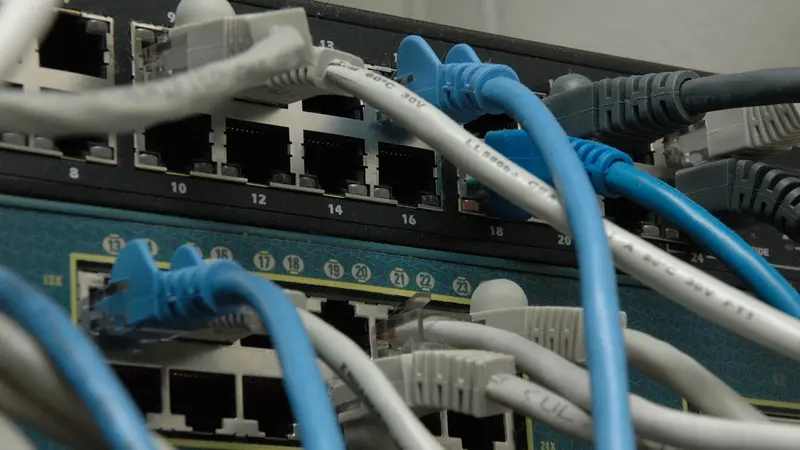
- Use Ethernet for gaming consoles, smart TVs and desktop PCs.
- Try a mesh system for large or multi-floor homes.
- Upgrade an old router: Wi-Fi 6, 6E or 7 routers handle many devices better.
- Check your plan: if many people stream at once, you may need more bandwidth.
2.4 GHz vs 5 GHz vs 6 GHz: which should you use?
| Band | Speed | Range | Best for |
|---|---|---|---|
| 2.4 GHz | Slower | Longest, goes through walls better | Smart home devices, far rooms |
| 5 GHz | Fast | Medium | Streaming, video calls, gaming |
| 6 GHz (Wi-Fi 6E/7) | Fastest, least crowded | Shortest | Newer devices in the same room |
Mesh Wi-Fi vs extenders: which is better?
Extenders are cheap but often halve speed and create a separate network. Mesh systems use several units that work together as one network, giving smoother coverage across the home. For big homes, mesh is usually worth it.
Is someone stealing my Wi-Fi?
Open your router app or admin page and check the list of connected devices. If you see unknown devices, change your Wi-Fi password, use WPA3 or WPA2 security and turn off WPS.
More tech help: what a VPN does and how to speed up a slow PC.
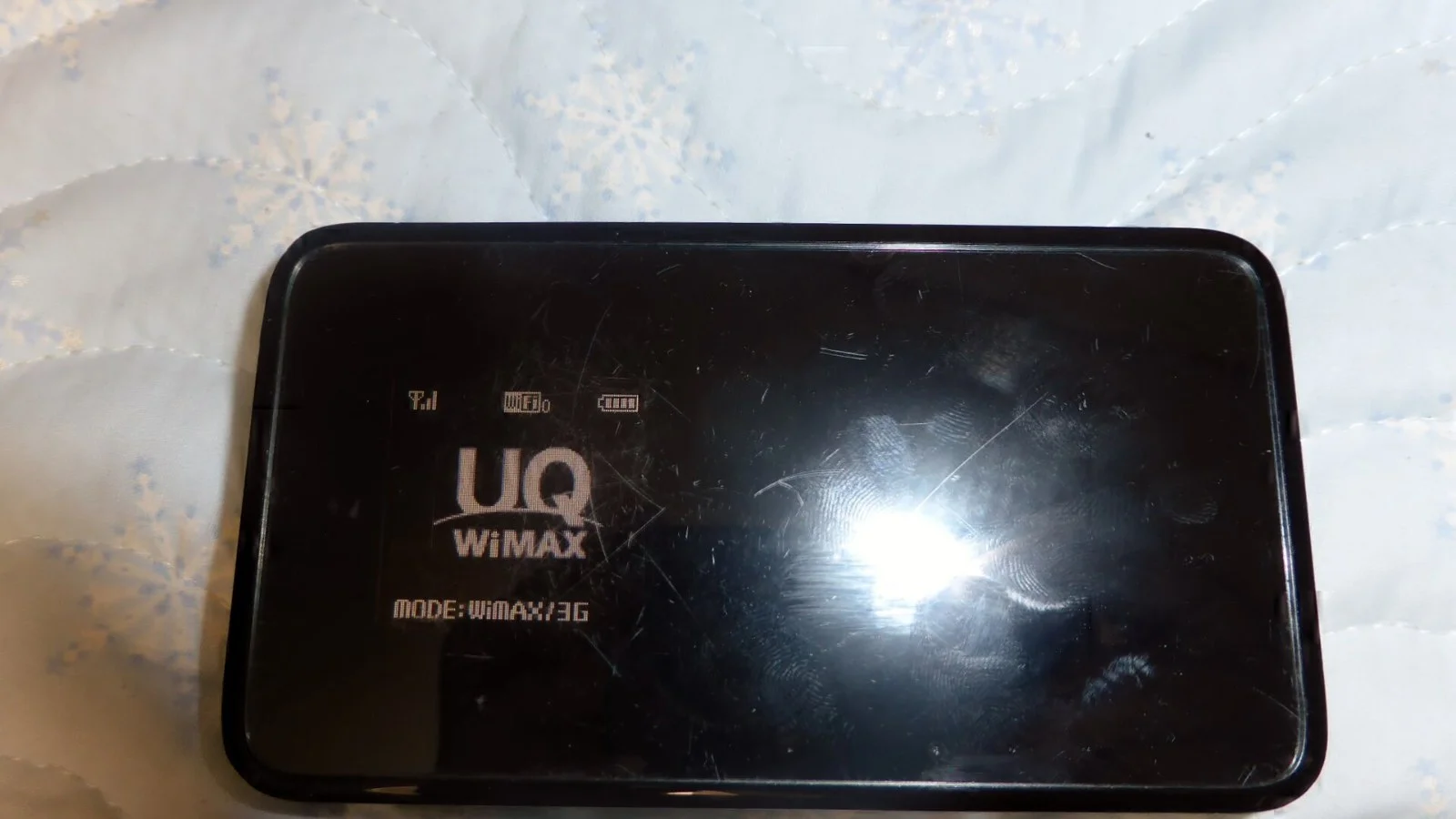
Featured image: "Wi-Fi WALKER DATA08W (2)" by Tokumeigakarinoaoshima, CC0 (cropped), via Wikimedia Commons. Sources: Wi-Fi Alliance; router manufacturer setup guides.















Comments 0
Leave a Comment
💬
No comments yet. Be the first to share your thoughts!