

Last updated: 26 November 2026
Quick answer: A strong password is long, unique and hard to guess. Aim for at least 15 characters, or use a passphrase of three or four random words (for example, "lantern-cactus-river-violet"). Never reuse a password on two sites, store them in a password manager, and turn on two-factor authentication or passkeys wherever you can.
What makes a password strong?
| Factor | Why it matters |
|---|---|
| Length | Every extra character makes guessing dramatically harder. Length matters more than odd symbols. |
| Uniqueness | If one site is breached, reused passwords let attackers into your other accounts ("credential stuffing"). |
| Unpredictability | Avoid names, birthdays, pets, teams, keyboard patterns and common words like "password". |
What is a passphrase?
A passphrase is a password made of several random words. It is long, so it is strong, but it is easier to remember than random characters. The key is that the words must be random, not a famous quote or song line.
| Type | Example | Strength |
|---|---|---|
| Weak | Ram@1990 | Short and contains a name and year |
| Weak | qwerty123 | Keyboard pattern, in every hacker's list |
| Better | T7#kq9!Lm2 | Random but short and hard to remember |
| Strong | lantern-cactus-river-violet | Long, random, easy to remember |
Do not use these examples: create your own.
What are the most common password mistakes?
- Reusing the same password on many websites.
- Using personal information that is easy to find on social media.
- Adding "1" or "!" to the end of an old password.
- Sharing passwords by text or email.
- Saving passwords in an unprotected notes app.
Should you use a password manager?
Yes. A password manager creates and stores a unique, strong password for every account, and fills it in for you. You only need to remember one strong master password. Most phones and browsers include one, and there are dedicated apps too. Protect the manager itself with a long passphrase and two-factor authentication.
What are passkeys?
Passkeys are a newer way to sign in without a password. Your phone or computer creates a unique digital key for each site and unlocks it with your fingerprint, face or PIN. They cannot be phished or reused, so they are safer than passwords. Turn them on wherever a site offers them.
How often should you change your password?
Modern guidance from organisations such as NIST and the UK's NCSC says you do not need to change strong passwords on a fixed schedule. Change a password immediately if a site reports a breach, you see suspicious activity, or you shared it with someone.
Quick checklist
- 15+ characters or a 3–4 word random passphrase.
- A different password for every account.
- A password manager to remember them.
- Two-factor authentication or passkeys turned on.
- Change passwords after any breach.
Need one now? Try our free password generator, and read our guide to two-factor authentication.
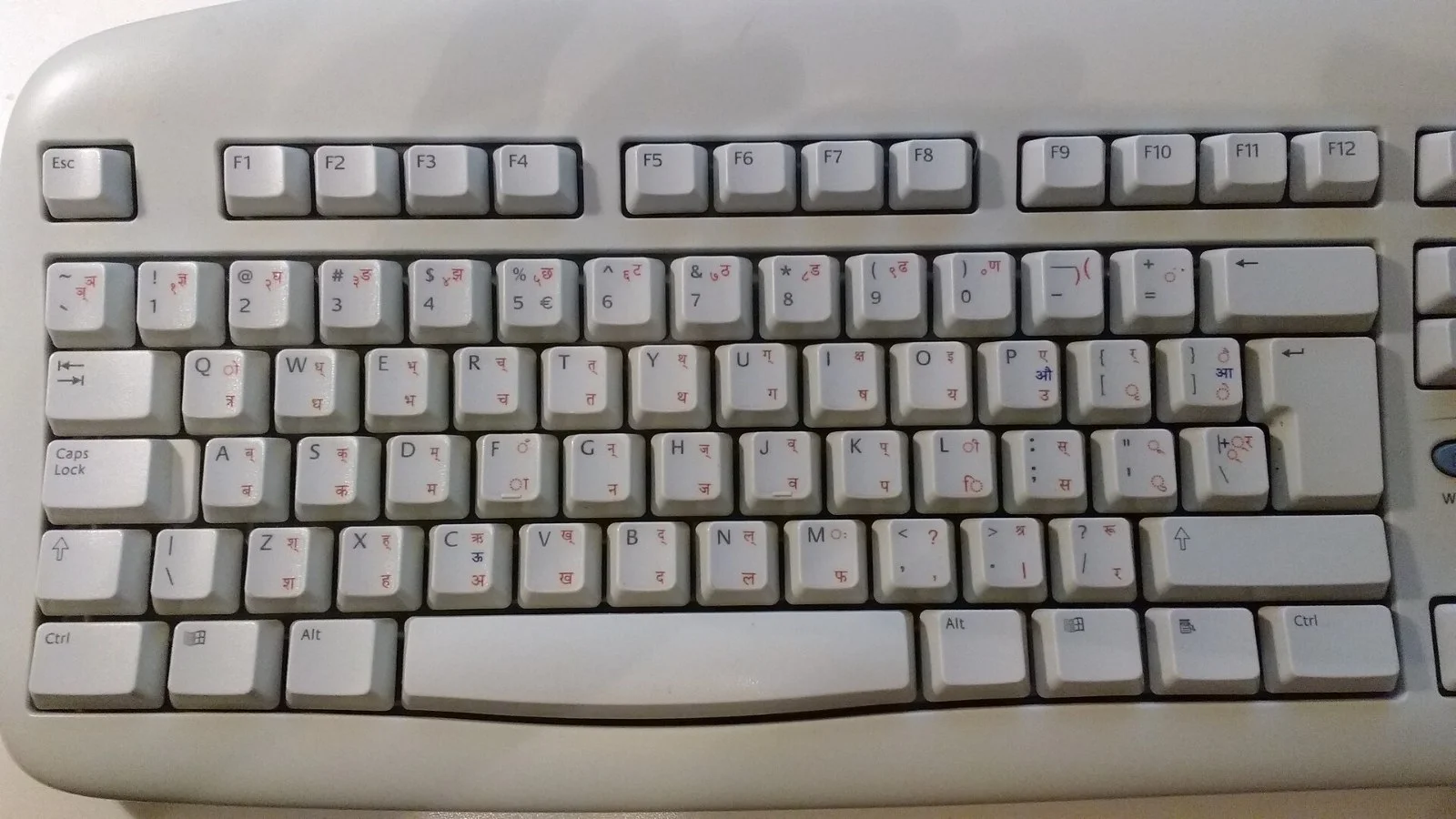
Featured image: "Devanagari Nepali layout (traditional)" by Evert Mouw, CC BY-SA 4.0 (cropped), via Wikimedia Commons. Sources: NIST Special Publication 800-63B digital identity guidelines; UK National Cyber Security Centre (NCSC) guidance; FIDO Alliance on passkeys.














Comments 0
Leave a Comment
💬
No comments yet. Be the first to share your thoughts!