

Quick answer: On Windows 11, go to Settings > Personalisation > Colours and choose Dark. On a Mac, open System Settings > Appearance > Dark. On iPhone, go to Settings > Display & Brightness > Dark. On Android, go to Settings > Display > Dark theme. Most apps, including Chrome, follow your system setting automatically.
Last updated: 28 November 2026
How to turn on dark mode on each device
| Device | Steps | Schedule option |
|---|---|---|
| Windows 11 | Settings > Personalisation > Colours > Choose your mode > Dark | Not built in; use Night light for warmer colours |
| Windows 10 | Settings > Personalisation > Colours > Choose your colour > Dark | — |
| Mac | Apple menu > System Settings > Appearance > Dark | Choose Auto to switch at sunset |
| iPhone / iPad | Settings > Display & Brightness > Dark (or swipe into Control Centre and press and hold the brightness slider) | Turn on Automatic for sunset to sunrise |
| Android | Settings > Display > Dark theme (Samsung: Settings > Display > Dark) | Schedule from sunset to sunrise or custom times |
| Chromebook | Settings > Personalisation > Dark theme | Auto option available |
How do I turn on dark mode in Chrome?
Chrome follows your computer or phone setting, so turning on dark mode on your device usually turns it on in Chrome too. On a computer you can also set it directly: open a new tab, click Customise Chrome at the bottom right, and choose Dark. Websites that do not support dark mode will still look light.
How do I turn on dark mode in popular apps?
| App | Where to find it |
|---|---|
| YouTube | Profile picture > Settings > General > Appearance > Dark theme |
| Follows phone setting; on Android also Settings > Chats > Theme | |
| Follows phone setting; also Settings > Theme / Dark mode | |
| Microsoft Office | File > Account > Office Theme > Black or Dark Grey |
| Google Docs, Gmail and Maps (mobile) | Settings > Theme > Dark |
Does dark mode save battery?
Yes, on phones and laptops with OLED screens, such as most recent iPhones and many Android phones. OLED pixels showing black use little or no power, so dark mode can noticeably extend battery life at high brightness. On ordinary LCD screens, which have a backlight that is always on, the saving is small. More tips: how to make your phone battery last longer.
Is dark mode better for your eyes?
Dark mode can feel more comfortable in a dark room and reduces glare at night. However, it is not proven to prevent eye strain, and some people find light text on a dark background harder to read in bright light. The best choice is the one that feels comfortable for you; many people use automatic switching so they get light mode in the day and dark mode at night.
Menu names can vary slightly between software versions.
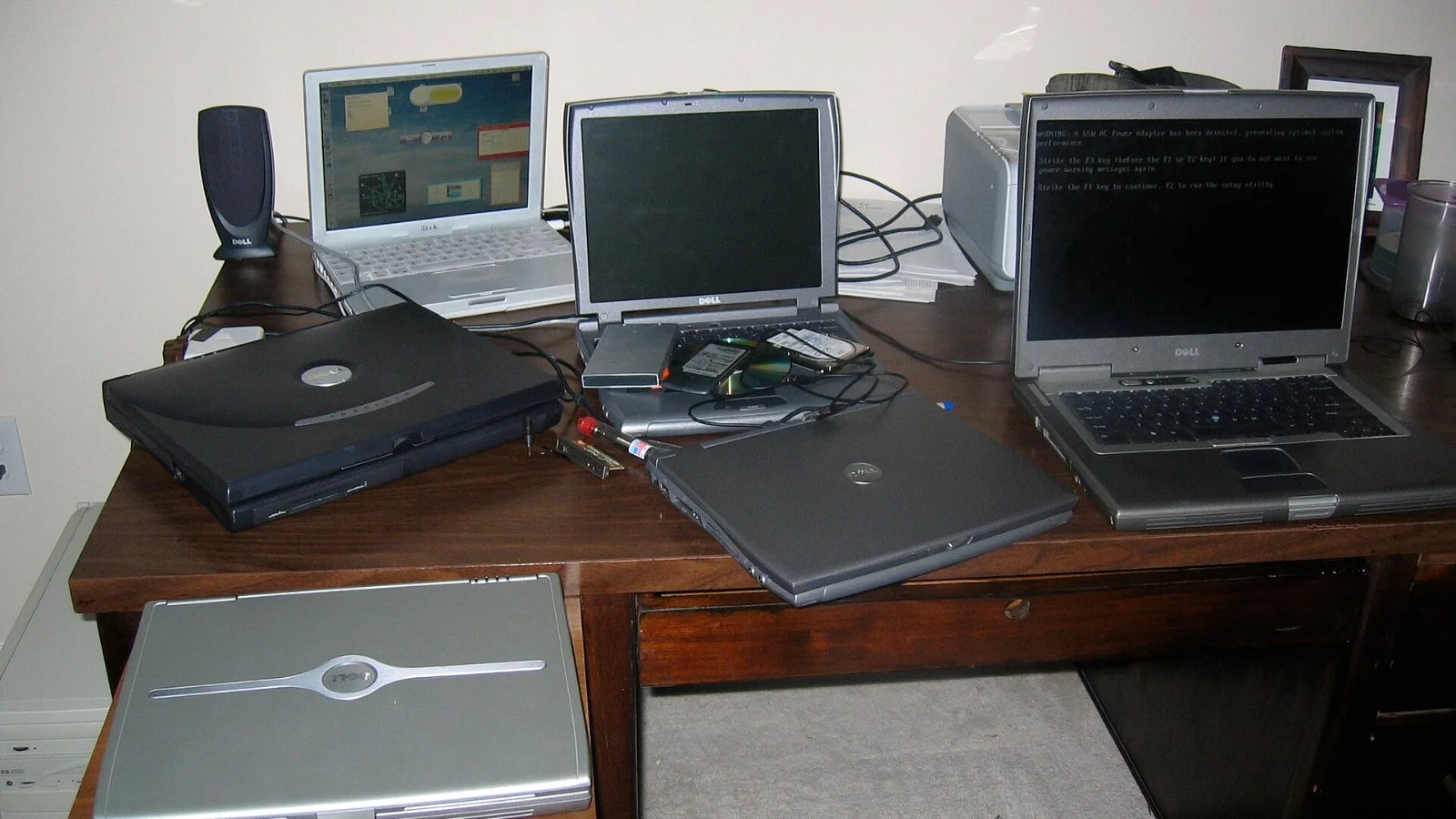
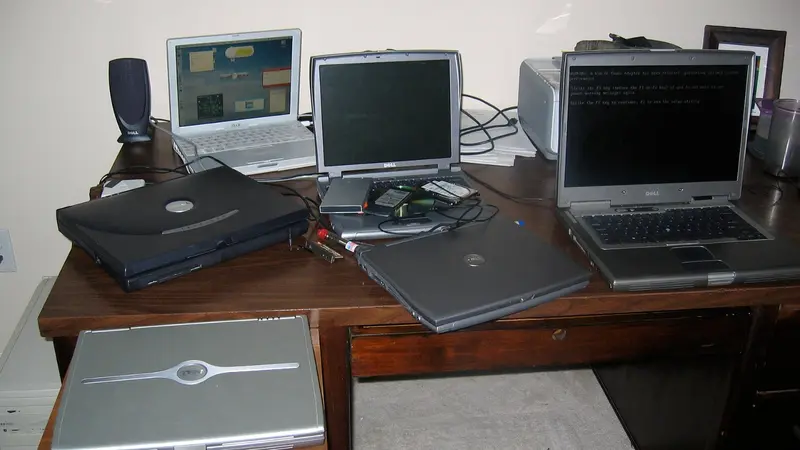
Featured image: "Multiple laptops" by .imelda at flickr [1], CC BY-SA 2.5 (cropped), via Wikimedia Commons. Based on Windows, macOS, iOS, Android and Chrome settings.
















Comments 0
Leave a Comment
💬
No comments yet. Be the first to share your thoughts!